
Sunrise
A downloadable game for Windows and Linux
| // -- |
|---|
| NOTICE: Development is now dead - it's simply too large of a project for me to continue alone. I knew this game was ambitious, and it's been fun, but I think continuing development is more of a sunk cost if anything. The game is currently a glorified demo, and it forever will be unfortunately. Play it if you want to, I guess. P.S. The screenshots and trailer are outdated, and I'm too lazy to update them. |
| // -- |
A survival co-op multiplayer game.
--
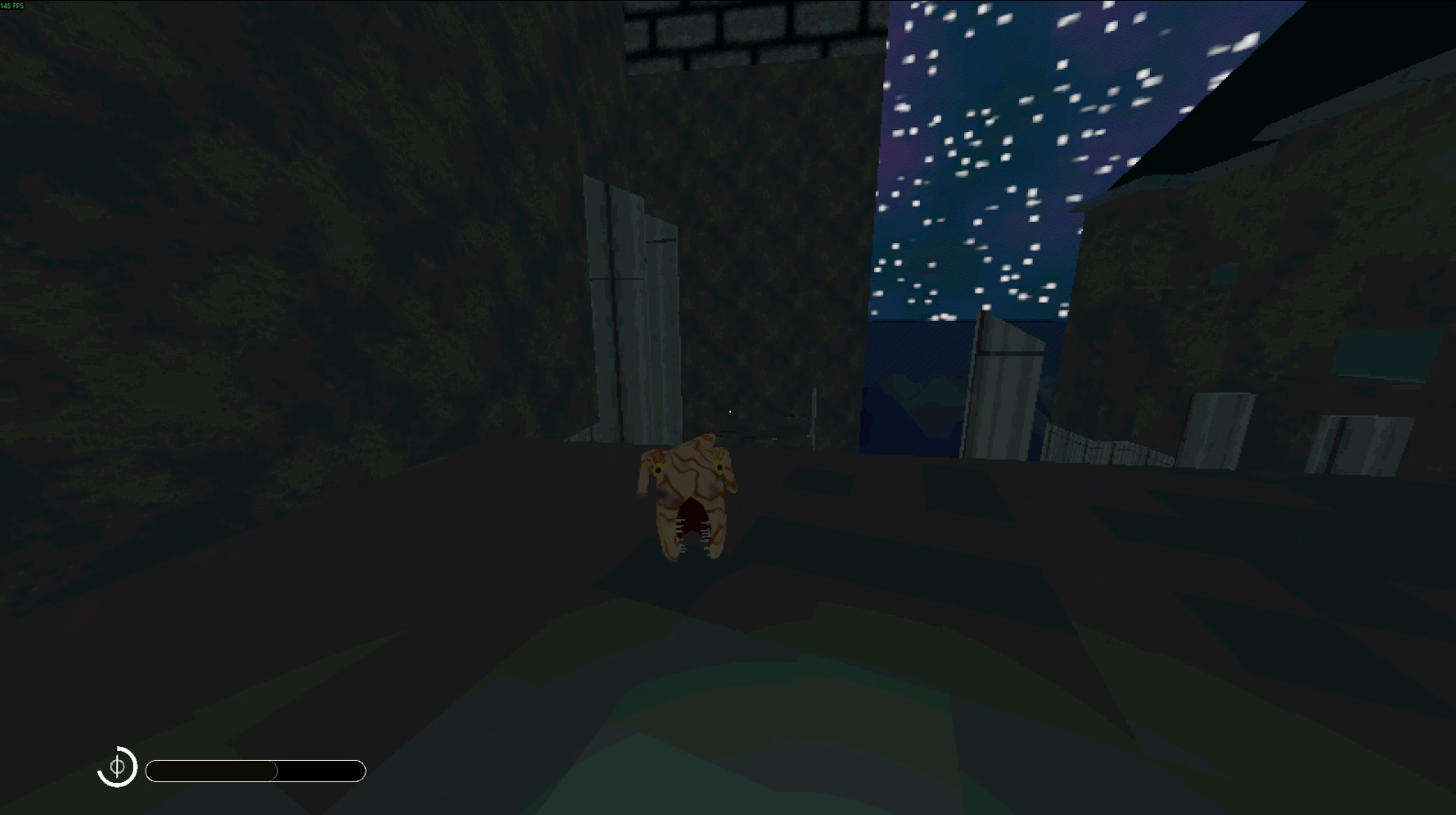
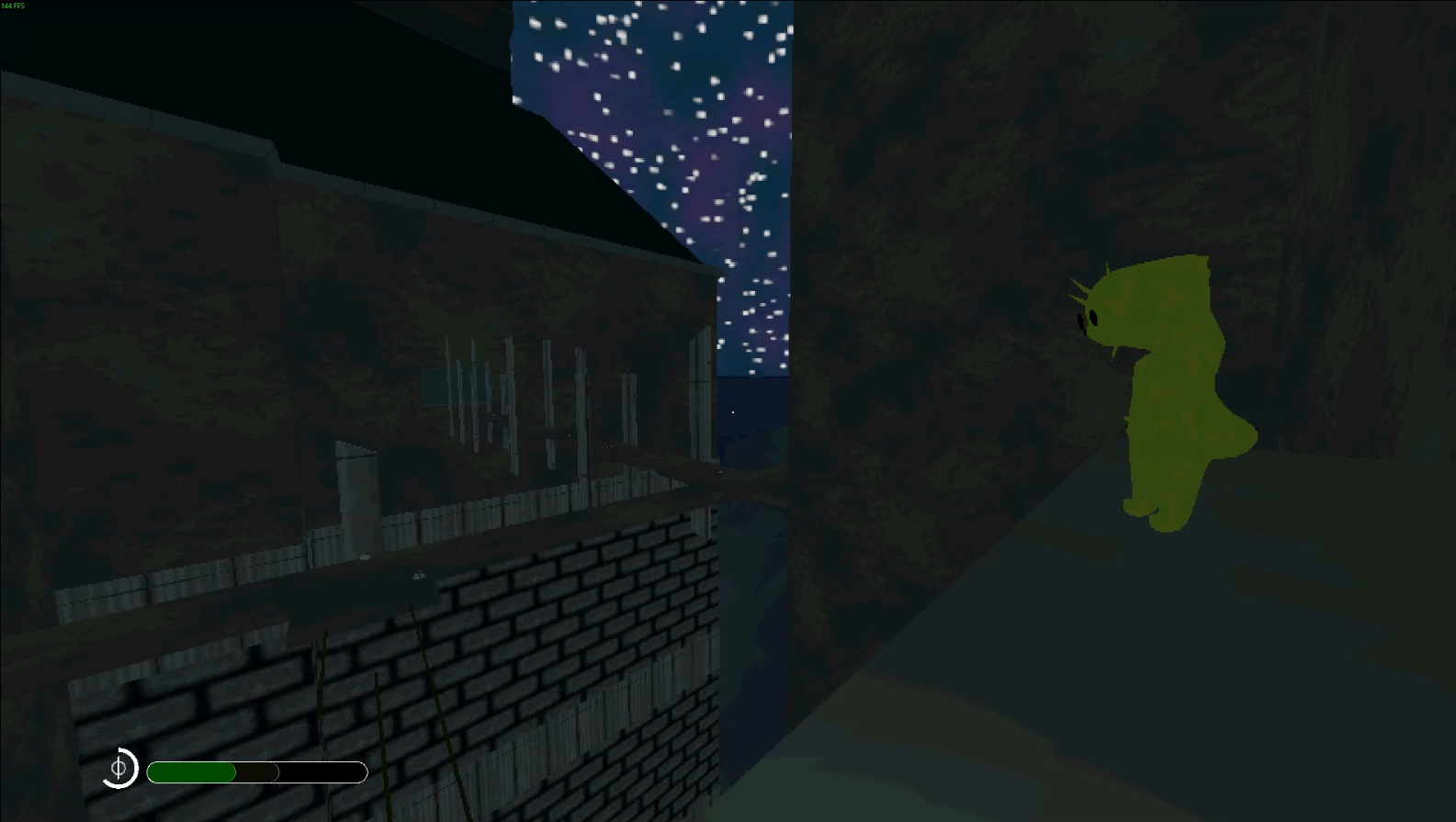
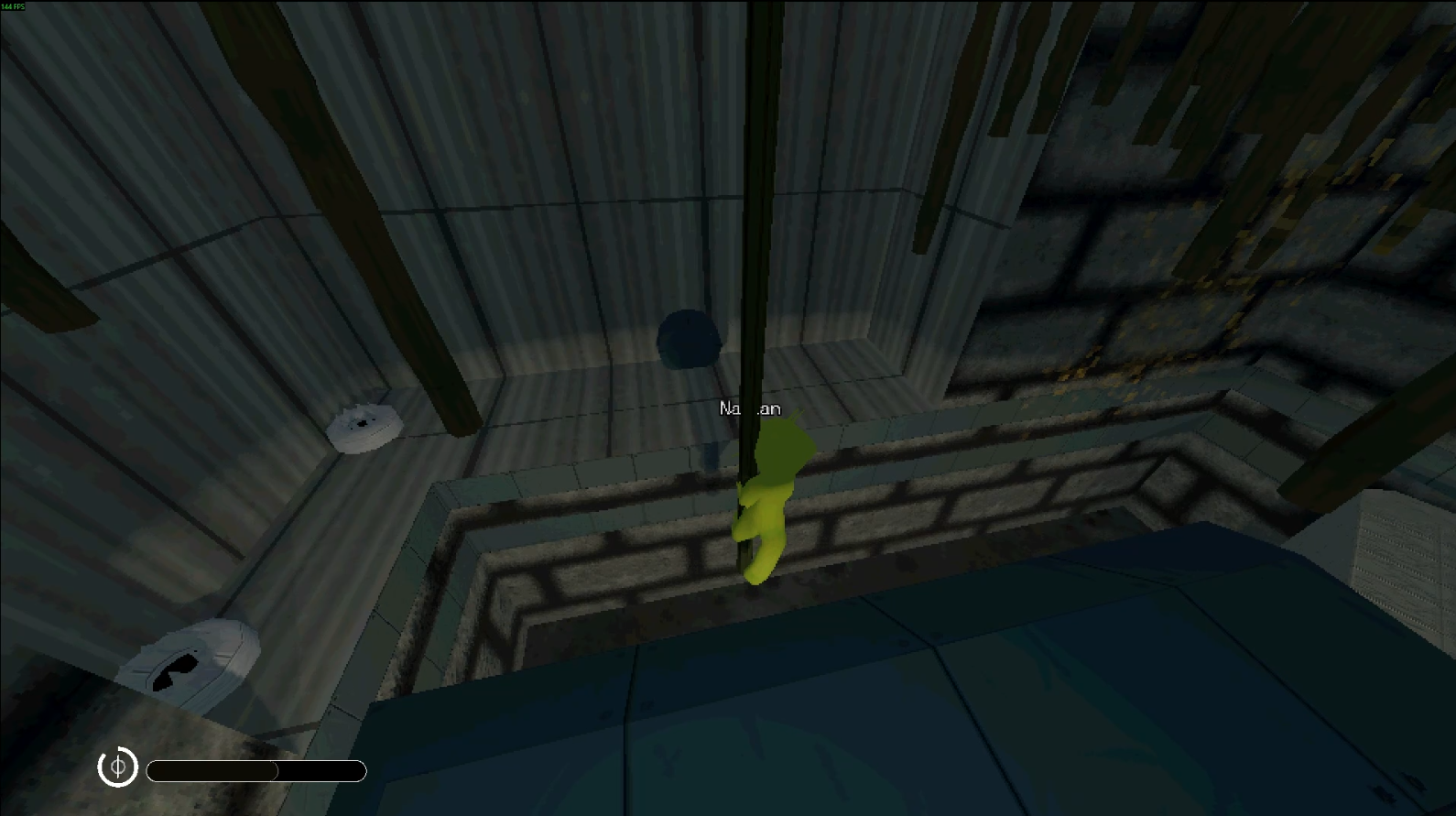
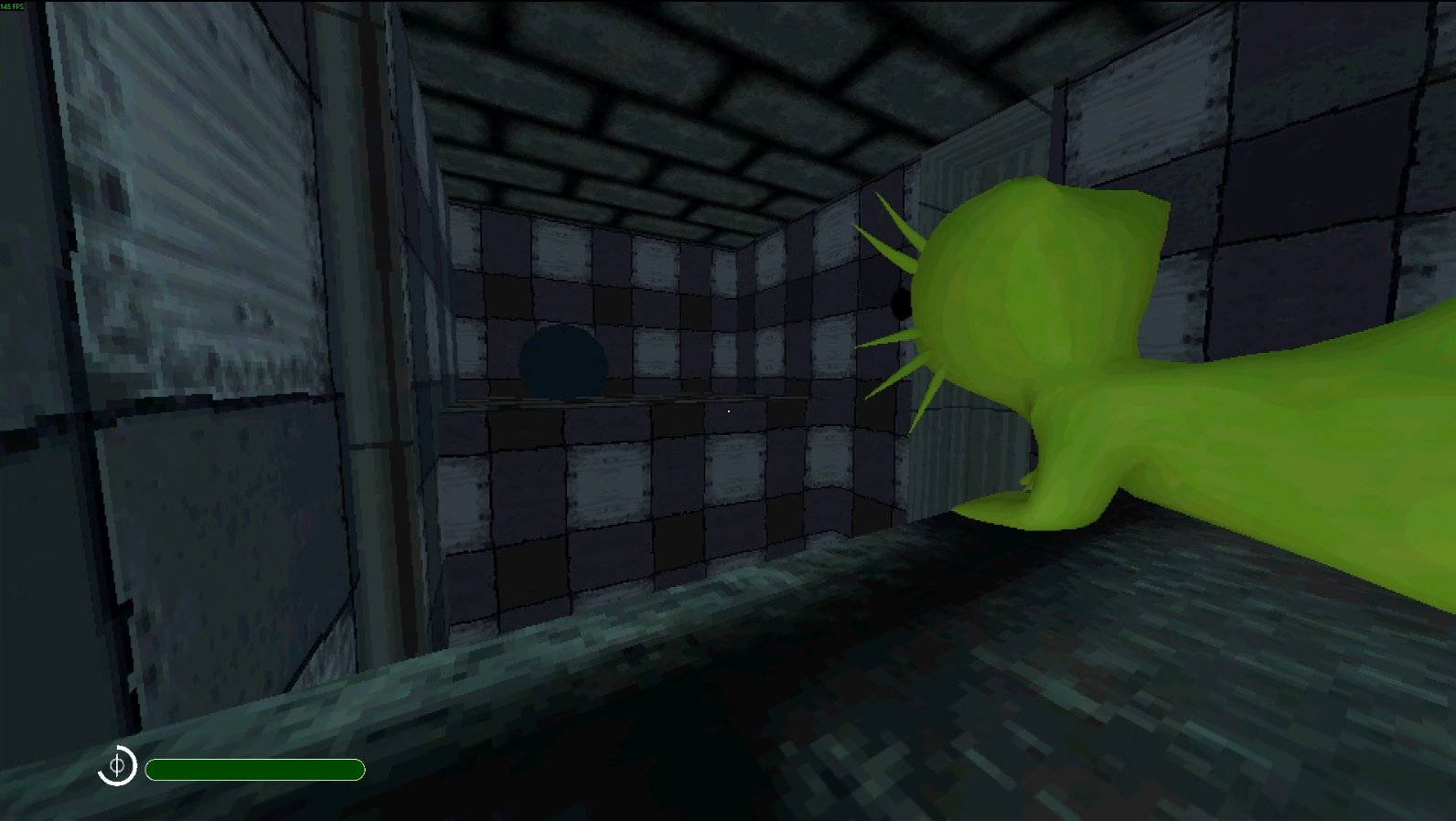
In this 3D co-op metroidvania largely inspired by Rain World and Lethal Company, you play as a skrunk, a lowly pack animal, lost in a harsh and unforgiving ecosystem. You must survive by hunting prey for food and finding shelter, whilst avoiding becoming prey yourself in a world where anything can kill – including the sun.
Disclaimer: This game is still heavily in development. Everything is subject to change. You can help shape this game by giving me your feedback or reporting a bug.
This game uses proximity voice chat. As such, I do not recommend that you play this in a LAN environment as the experience would be spoilt. Think of this game like one of the many Lethal Company-type games out there.
Download
Install instructions
Please read, as this is rather important:
This game requires Steam. It has to be installed, signed into an account, and running in the background. To join friends, either click on Join Game on their Steam profile, or accept a game invite. Joining through LAN is also possible, but I don't recommend you play in a LAN environment.
Download and extract the ZIP file for your operating system and run the executable. You'll know the game is working correctly if Steam is saying that you're playing Spacewar. There is currently no export for MacOS (sorry).
If you want to use Steam Overlay with this game (to make inviting friends easier in fullscreen), go to your Steam client, click Add a Game in the bottom left, Add a Non-Steam Game, and select the game executable you downloaded. Launch the new entry in your Steam library to launch the game with the Steam Overlay enabled.
Leave a comment
Log in with itch.io to leave a comment.